Realm Connect
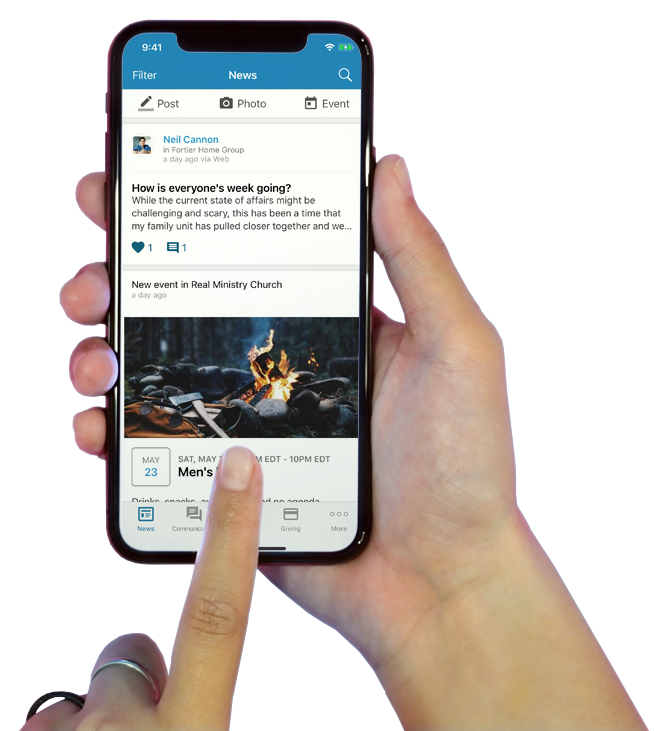
Deepen relationships, celebrate milestones, and participate in the work of the Lord. Download the “Connect – Our Church Community” app for iOS or Android devices.
- Online Membership Directory
- Community
- Giving
- Event Registration
- Volunteer Opportunities
FBC Rolla is now using Realm to help you stay connected with your groups, serving teams, giving and events.
You will need an Invite from the church to set up your Connect account which can then be accessed through the Connect App available for Android or iPhone or at onrealm.org/fbcrolla.
If you have not received an Invite and would like one, please contact the church office at
573-364-3060 or at fbcrolla@gmail.com.


FAQs
Here are links to help pages that provide additional information about the Connect App, Connect for web browsers, and various account features. (To begin setting up your Realm account, you must receive an invitation from FBC Rolla.)
Connect App Sign In
Frequently asked questions regarding account set up and signing into the Connect app.
Connect Account Management
Frequently asked questions about account management, notification settings and resetting your password.
Connect App Giving
Frequently asked questions about giving with the Connect mobile app.
Realm Connect for Web Browsers
Frequently asked questions for those accessing Realm Connect through a web browser.
Still have a question?
If your question was not addressed or you need additional assistance, please contact the church office.